On this page
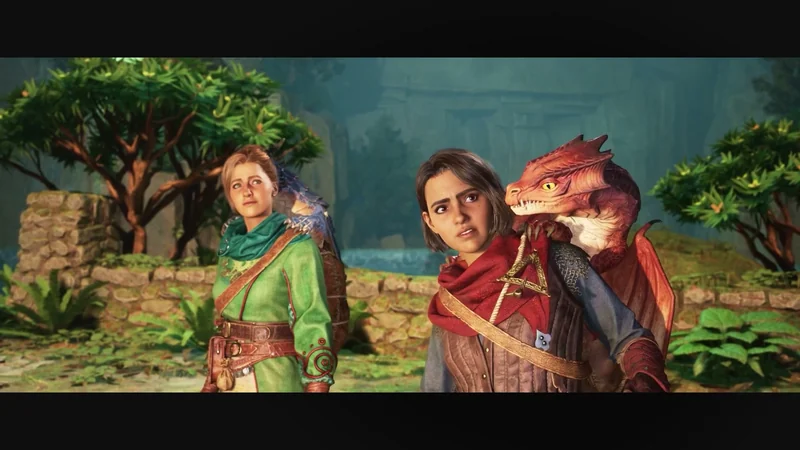
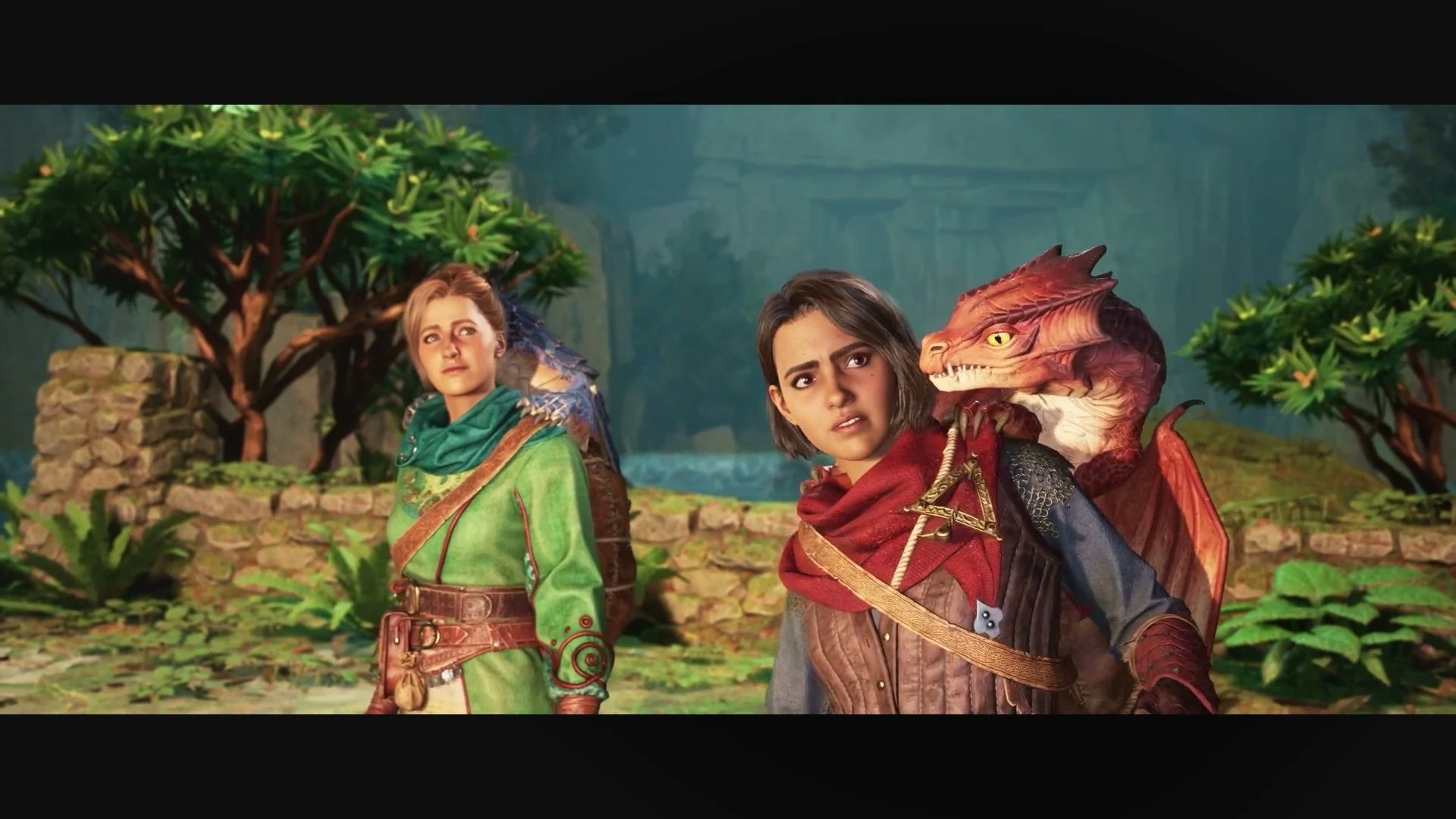
The little dragon on a character’s shoulder becomes something both players can ride. You send the clip to your partner. They are interested. Then comes a less spectacular question: “Do we both have to buy this?”
For the full online adventure, one of you can own Split Fiction while the other joins through the free Friend’s Pass. If neither owns it, two pass users can try the opening demo together. Those are different starting points, and choosing yours first avoids an unnecessary second purchase. The publisher’s Friend’s Pass listing explains both arrangements.
This guide turns the documented requirements into a plan for two people. For the adventure itself, start with our look at Split Fiction’s changing abilities and split-screen partnership. We have analysed its official showcases; the setup below is based on publisher and platform guidance, rather than a claim that we tested every pairing.
Start with what you already own
| Your pair | What to arrange |
|---|---|
| One person owns the full game | That person hosts; the partner installs Friend’s Pass on their own supported platform. |
| Neither person owns it | For an online demo, each person installs Friend’s Pass. Try the opening before deciding who buys. |
| Both already own it | Use your existing copies. Agree who will send the invitation. |
| You want to share one screen | Start with the local co-op setup below. You do not need to organise a remote guest. |
The first two cases are the Friend’s Pass offer. Our recommendation is to settle ownership before comparing store prices. The useful saving comes from buying what your pair needs, not from finding two discounted copies before asking whether two are necessary.
For two undecided players, give the demo a job: find out whether you enjoy following another viewpoint while controlling your own. Ask each other about that after playing. A spectacular trailer can make the setting appealing; your response to sharing the action is a more personal buying signal.
Check the devices and the online access
EA lists cross-play across PC, PS5, Xbox Series X|S and Nintendo Switch 2, including Friend’s Pass. Its platform FAQ also distinguishes online account requirements from offline couch play. Online players need their platform accounts linked to EA accounts.
On PC, name the store as well: EA’s purchase selector lists Steam, Epic Games Store and EA app for Windows. A platform account and an EA account are different things; do not assume a friend’s Steam display name is their EA identity.
For console online play, check the appropriate membership on each person’s device:
- PS5: the PlayStation Friend’s Pass listing requires PS Plus for online play.
- Xbox Series X|S: use a Game Pass plan that includes online console multiplayer. A free pass download does not replace that access.
- Nintendo Switch 2: the Nintendo listing identifies Nintendo Switch Online for online play.
For a PS5-and-PC pair, that does not mean the PC player also buys PS Plus. Apply the requirement to the device being used. Check your own account and regional store before spending anything.
Download the right version, then send the invitation
Set aside time for installation before your planned start. “Free pass” describes access, not a promise of a tiny download. The guest still needs to check the listed system requirements and available storage.
Choose the guest’s free pass download:
- PC / Steam: Split Fiction — Friend’s Pass.
- PC / Epic: Friend’s Pass on Epic Games Store.
- PS5: Friend’s Pass on PlayStation Store.
- Xbox Series X|S: Friend’s Pass on Xbox Store.
- Nintendo Switch 2: Friend’s Pass on Nintendo eShop.
EA’s Friend’s Pass page explains eligibility. For a free PC pass download, use the verified Steam or Epic links above. These are ordinary publisher/platform links; console links use US storefronts, which may redirect to your region.
Once the intended versions are installed:
- Launch the full game on the owner’s device and Friend’s Pass on the guest’s device. For the demo, both launch their passes.
- Sign in with the linked accounts you intend to use.
- For cross-play, add your partner’s EA account through the in-game EA Friends List, then send the invitation.
- Keep the recipient’s game running and signed in while they receive and accept it.
The account and invitation sequence follows EA’s setup instructions and cross-play invitation guidance. Exchange EA account names before sitting down to play; that is one less thing to find while someone waits at the menu.
Sharing one screen changes the checklist
On one device, launch the full game for the complete local adventure, or Friend’s Pass for the opening demo. Both people use that installation; there is no remote invitation to arrange. Publisher’s local demo description
For offline local co-op, EA specifies two controllers, or a controller plus keyboard and mouse on PC. An EA account is not required for offline play. EA’s local-play guidance
Now your useful checks are physical: where both people will sit, whether the controls are ready, and whether each half of the screen is comfortable to follow from that distance. Try those conditions during the demo rather than assuming the second player will enjoy the same setup you do.
Nintendo’s separate local GameShare route can send play from a Switch 2 to a nearby compatible system, including an original Switch. That is not the original Switch joining the online Friend’s Pass pool. Follow EA’s Switch 2 explanation for that arrangement.
If the invitation or full game is missing
No EA Friends List: EA advises checking cross-play in the game’s PlayStation options or Xbox account privacy settings. Check the recipient is running the game and signed in. Cross-play help
A child account cannot join: review the platform’s permissions for online cross-play. The pass still launches after buying: EA recommends restarting the platform and, for a physical copy, making sure the disc is inserted. EA Help
Before buying another copy to fix a missing invitation, work through those documented checks. If they do not solve the problem, contact the relevant platform or EA support with your versions and the actual error. A connection problem alone does not establish that the guest needs a separate full purchase.
Send a plan your partner can answer
“We’re playing Split Fiction. I’ll host the full game on [platform]; you’ll use Friend’s Pass on [platform]. Let’s install first, exchange EA names and check online access before we start.”
If neither of you owns it, replace the middle with “We’ll both try the Friend’s Pass demo first.” Make the next step easy to agree to.
Ready to continue? Check the reviewed full-game versions. Still choosing the adventure? Compare Split Fiction with It Takes Two before committing your next few evenings.
Setup sources checked October 16, 2026. Requirements and store listings can change. Our store-link policy explains the links. This website is not endorsed by or affiliated with EA or its licensors.
Setup advice is based on the official sources linked beside the claims, checked . This is a documented setup guide, not a hands-on compatibility or performance test. The linked field note separately identifies the imagery and footage behind our scene analysis. Our editorial method.