On this page
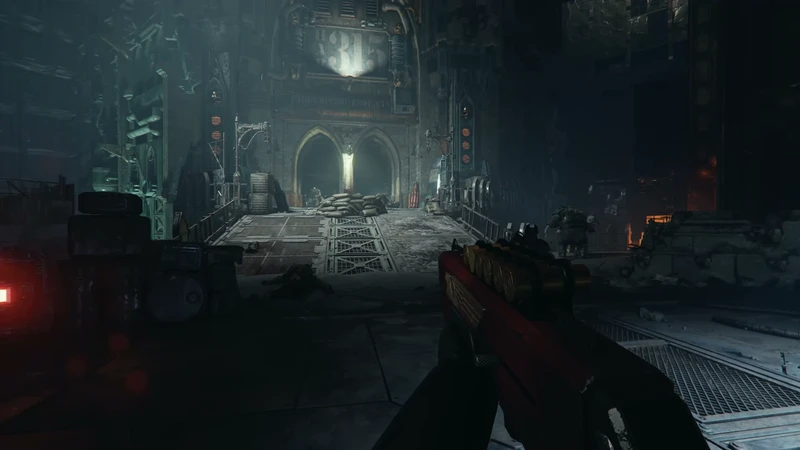
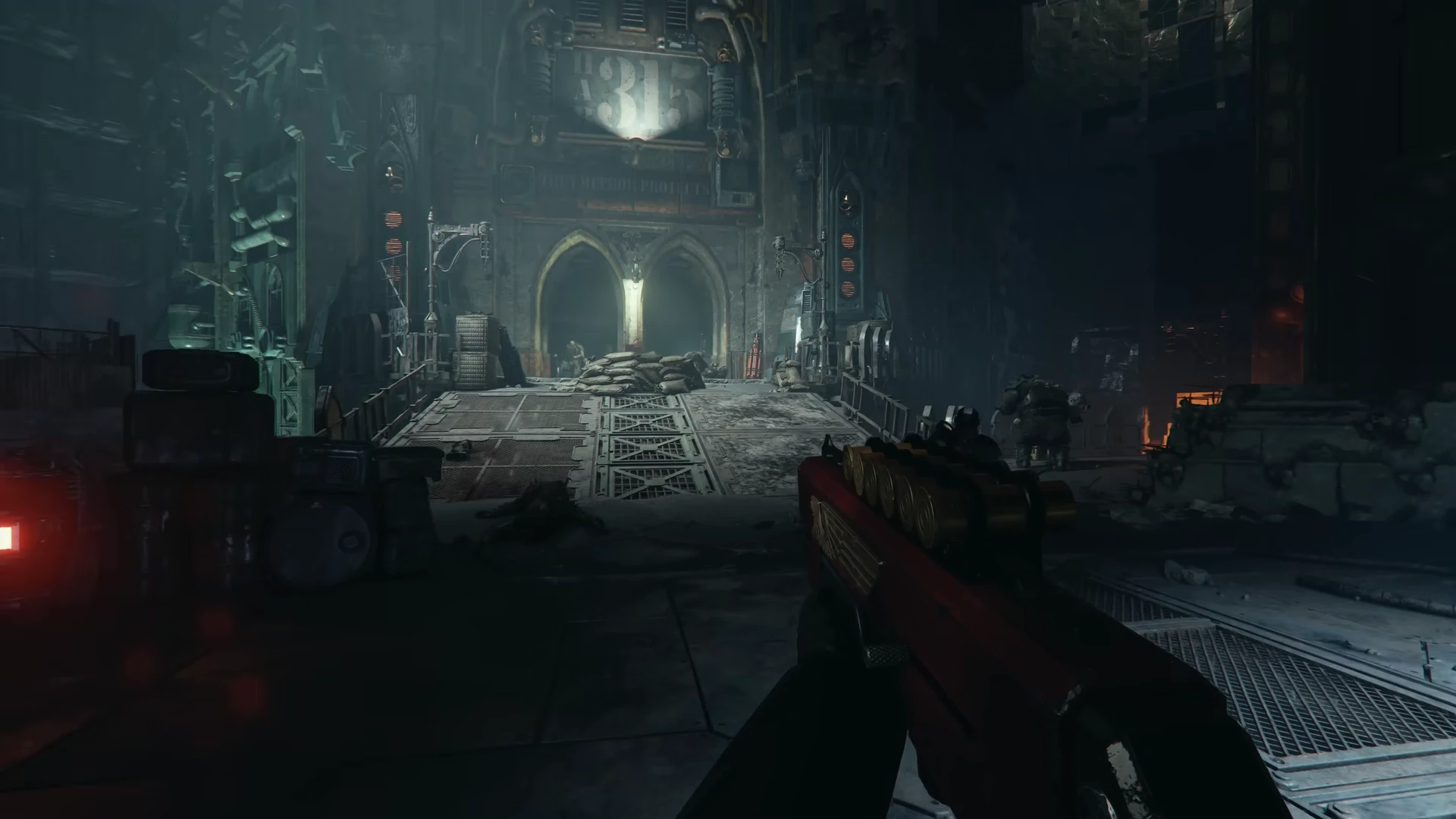
The shield fills the left side of the screen. A cyber-mastiff runs ahead. Darktide suddenly looks like exactly the evening your group wanted.
Then someone opens a store page. Base game, Imperial Edition, class, cosmetic upgrade: which purchase gets you the thing you just watched?
That gap between an exciting scene and the right copy is worth closing. Agree on the mode, the exact versions and the content that attracted you before everyone buys. A bigger edition is only useful when its contents solve a real need for your group.
The examples below come from games covered in our field notes and the official setup or store information linked beside each check. They are practical buying questions, not a ranking of discounts or a claim that we tested every platform combination ourselves.
1. Start with the moment you actually want
In our Darktide analysis, the shield and hound belong to the Arbites showcase. Fatshark’s class announcement identifies Arbites as a paid class addition. Its Steam product page also requires the base game.
If the attraction is simply joining Darktide’s fights, begin with the base-game information. If the attraction is playing the class in that particular footage, include the class in your decision. An edition name alone cannot answer both requests.
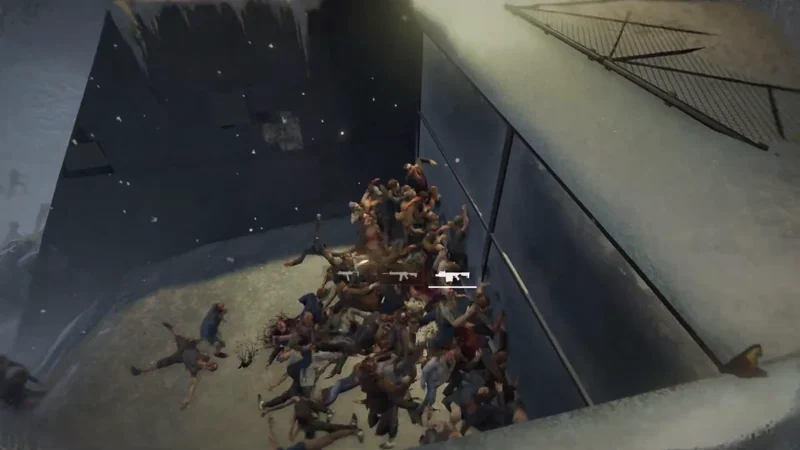
World War Z supplies another useful distinction. Our archived Moscow recording uses a first-person camera. The official Steam description associates that option with Aftermath. Someone drawn to the view in the analysed recording should check for Aftermath rather than assume that every World War Z purchase includes it.
This does not make the larger package the automatic recommendation. Name the feature you want, then confirm which product contains it. Sometimes the answer is the base game. Sometimes it is an upgrade to something you already own.
2. Exchange exact store names, not just “PC”
Two friends can agree on a game, both own a PC, and still buy into separate online groups.
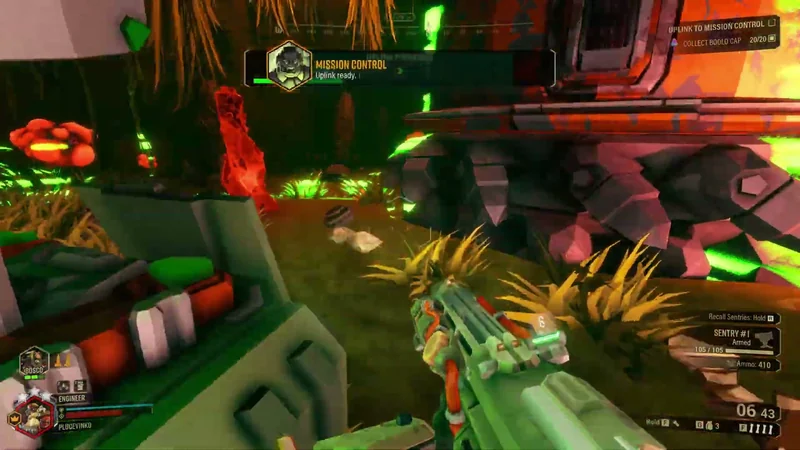
Deep Rock Galactic is the concrete example. Its official cross-play page places the Microsoft Store PC version with Xbox, while Steam belongs to a separate group. A Steam bargain does not solve an invitation from a friend using that Microsoft/Xbox version. Our Deep Rock Galactic version guide works through common group combinations and what each person needs.
Send a message such as “PC, Steam” or “Xbox Series X|S,” rather than “I have it.” If someone owns more than one version, agree which one they will actually launch. Then use our group planner to check that combination against the editions we have reviewed.
An unverified version in the planner means another check is needed. It does not mean the game can never support that device. The linked publisher information is where you settle an exception or a newly added platform.
3. Check whether everyone needs a full copy
Split Fiction changes this part of the conversation. EA’s Friend’s Pass FAQ says one full-game owner can invite a partner to play the entire adventure online through the free pass. Two pass users can also try its opening demo before either buys.
For a dedicated pair, that makes “let’s try the opening” a useful next step. It gives you something more personal than a trailer to discuss: whether you like sharing the screen, following each other and learning changing abilities together.
The pass is still a particular arrangement. For the full online game, the guest joins someone who owns it. It is not an independent full-game purchase for the guest, and it is not a rule to apply to every co-op title. Check the linked account and console online requirements for the setup you will use.
For downloads, account setup and sending the invitation, use our Split Fiction Friend’s Pass guide.
For the creative choice behind that purchase, read Split Fiction versus It Takes Two. The setting and kind of partnership should matter at least as much as how many copies you need.
4. Match the mode as well as the game
“Four-player co-op” is a useful start. It is not a complete description of every mode, platform generation or expansion.
Saber’s World War Z FAQ documents broad campaign cross-play across PC and PlayStation/Xbox versions, with original Switch separate. It gives Horde Mode XL a narrower hardware list: PC, PS5 and Xbox Series X|S. A compatible campaign plan should not silently become a promise about XL for the same group.
The same FAQ distinguishes online play from local wireless on separate Switch consoles. If “co-op tonight” means sitting together at one screen, say so at the beginning. Sharing a room and joining over a network are different setups.
Our planner covers the online mode named in each result. Open its evidence notes when a particular mode or edition is the reason you want the game.
5. Read the activation details before the price
A retailer and a launcher can be different services. Fanatical explains that its digital purchases provide a key or, for some products, keyless activation on the stated platform. Look for that platform on the product you are considering.
Country restrictions deserve the same precision. Fanatical’s activation guidance says to check the country associated with the gaming account, especially when it differs from where you are connecting. A currency symbol is not proof that a key will activate on every friend’s account.
For a group spread across countries, each person should check the exact listing for their own activation country. Do that before treating one person’s price as an offer the whole group can use. If the store cannot answer the case clearly, use its support before buying.
Send one useful message to the group
Keep the final choice short enough that everyone can answer it:
- Game and mode: the campaign or other mode you intend to play.
- People and versions: the headcount, consoles and PC stores everyone will use.
- Required purchase: base game, a named feature or add-on, or an eligible Friend’s Pass arrangement.
- Last checks: activation country, account setup and applicable online subscription.
Use a shareable shortlist when you are still choosing between games. Attach the group brief from the planner, and the list will keep each candidate’s fit and caveats alongside its appeal.
The aim is to get everyone into the evening you imagined when you shared that first clip. Start with the scene. Finish with the right versions.
Official purchase and setup references checked October 16, 2026. Product contents, requirements and store offers can change. Our store-link disclosure explains the current relationship behind the links. This website is not endorsed by or affiliated with EA or its licensors.
These are editorial starting points drawn from our linked scene analyses and official game information. We have not assigned review scores or claimed hands-on testing. The individual game pages identify recording dates, creators, source types, rights notes, check dates and limits. Our editorial method.